
For commercial solar installers & energy consultants
Turn roof potential into qualified solar enquiries.
Help customers understand their solar options, capture informed enquiries and create branded proposals, with your products, pricing and funding choices.
From first enquiry to tailored solar proposal.
One workflow, from a customer’s first look at their roof to a branded proposal your team is ready to send.
Step 1: Capture enquiries
Let customers explore their roof through your embedded widget or hosted journey.
Step 2: Assess the opportunity
Combine roof and solar generation data with industry-specific energy usage profiles.
Step 3: Tailor the offer
Apply your equipment, pricing and purchase or PPA options.
Step 4: Share the proposal
Send a branded interactive link or downloadable PDF.
Capture informed enquiries, on your website or ours.
Put the PowerPlot estimator on your own website as an embedded widget, or send prospects a hosted journey link.
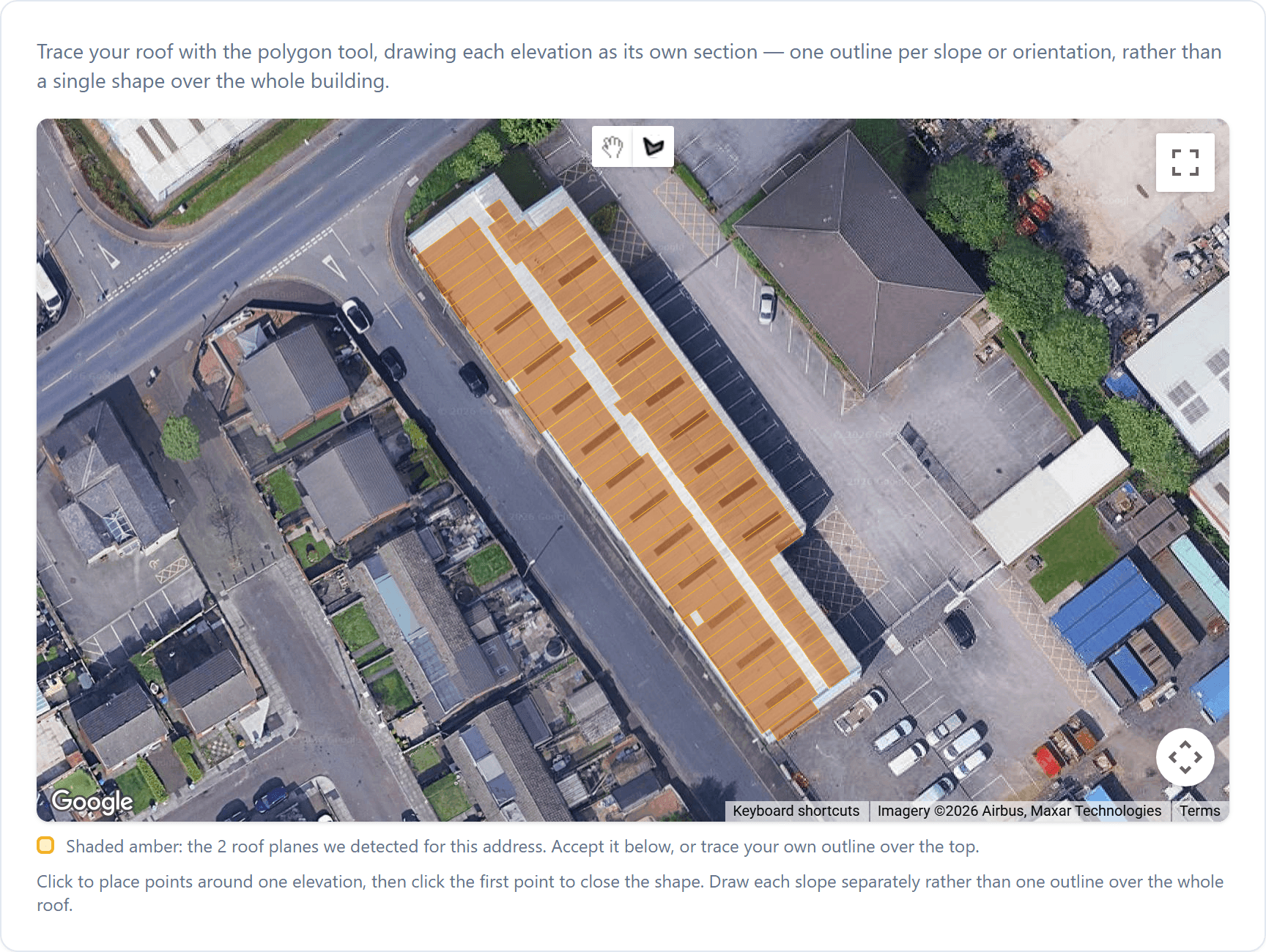
Either way, a prospect finds their building, explores their roof and sees an initial estimate before they get in touch. The enquiries that reach your team arrive already informed.
- Embedded widget
- Sits on your website, where customers already find you.
- Hosted journey
- A link or scannable QR code you can share wherever you talk to prospects.
Opens the demonstration widget in a new tab.
Your products, pricing and energy assumptions.
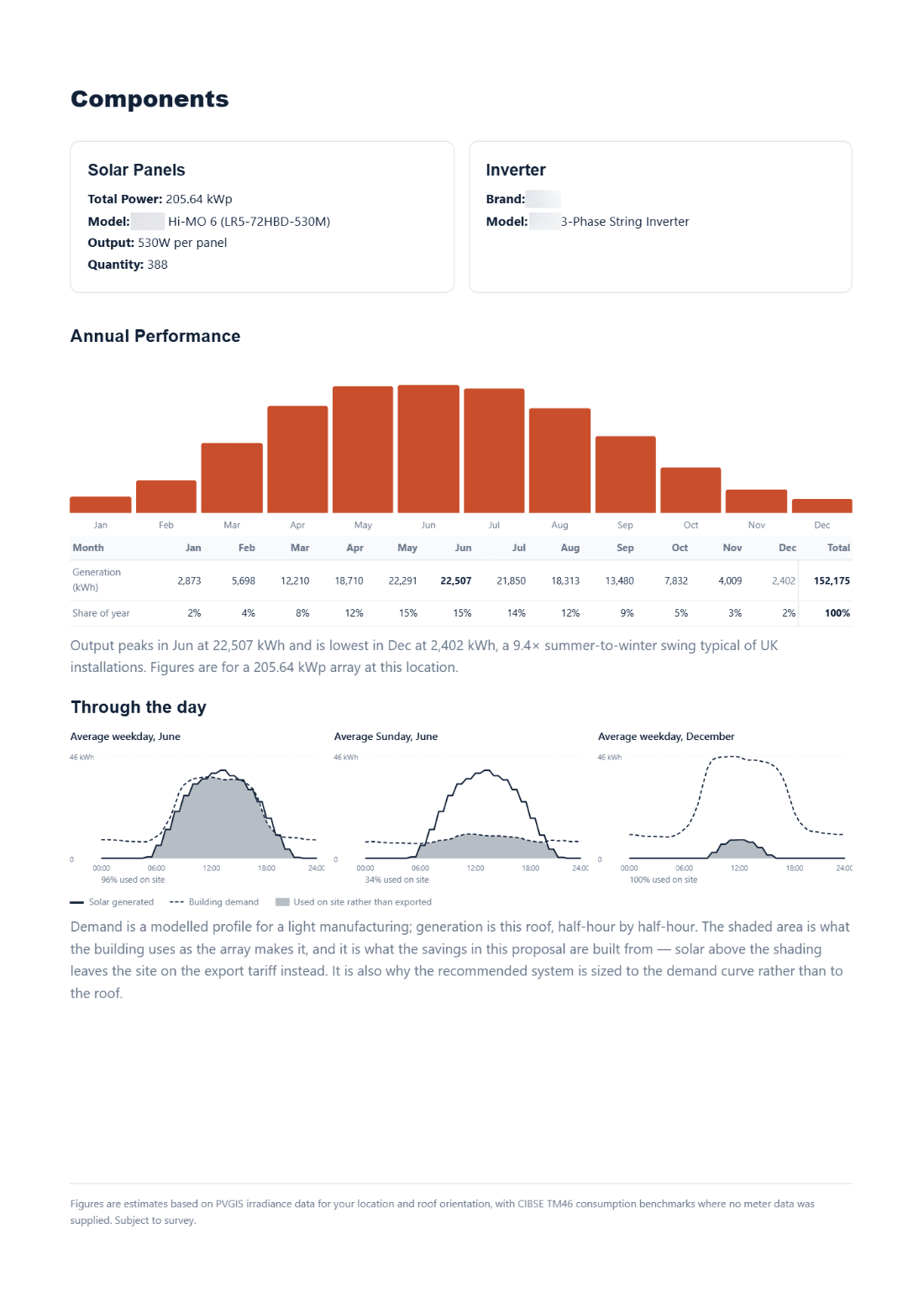
Every estimate starts from how a building of that type uses energy, then becomes an offer built on your own commercial choices.
A typical June day: solar generated against building use
- Solar generated
- Building used
- Used on site
- Exported
Informed by industry usage patterns
Building use and floor area set how much energy it uses, and when, across a year.
Refined with the customer’s own usage
Add annual consumption, or hourly or half-hourly meter data. Missing months are modelled.
Built on your products and pricing
Your equipment, panel sizes, pricing tiers, rates and purchase or PPA options.
Sized to a self-consumption target
The share of generation used on site, not the share of yearly demand it covers.
How your customers’ prices are built
The rates you quote are yours to set. You set them once, by equipment tier, roof type, system size (kWp, the array’s peak output) and the number of roof elevations (the roof faces panels sit on).
- Equipment tier
Standard (in this example)Premium
- Roof type
TrapezoidalTiled (in this example)Flat
- System size and elevations
150 kWp, 2 elevations
Example rate
45pper watt
Standard equipment on a tiled roof, 150 kWp across 2 elevations.
Illustrative example. Your own rates apply.
Branded proposals, ready to share.
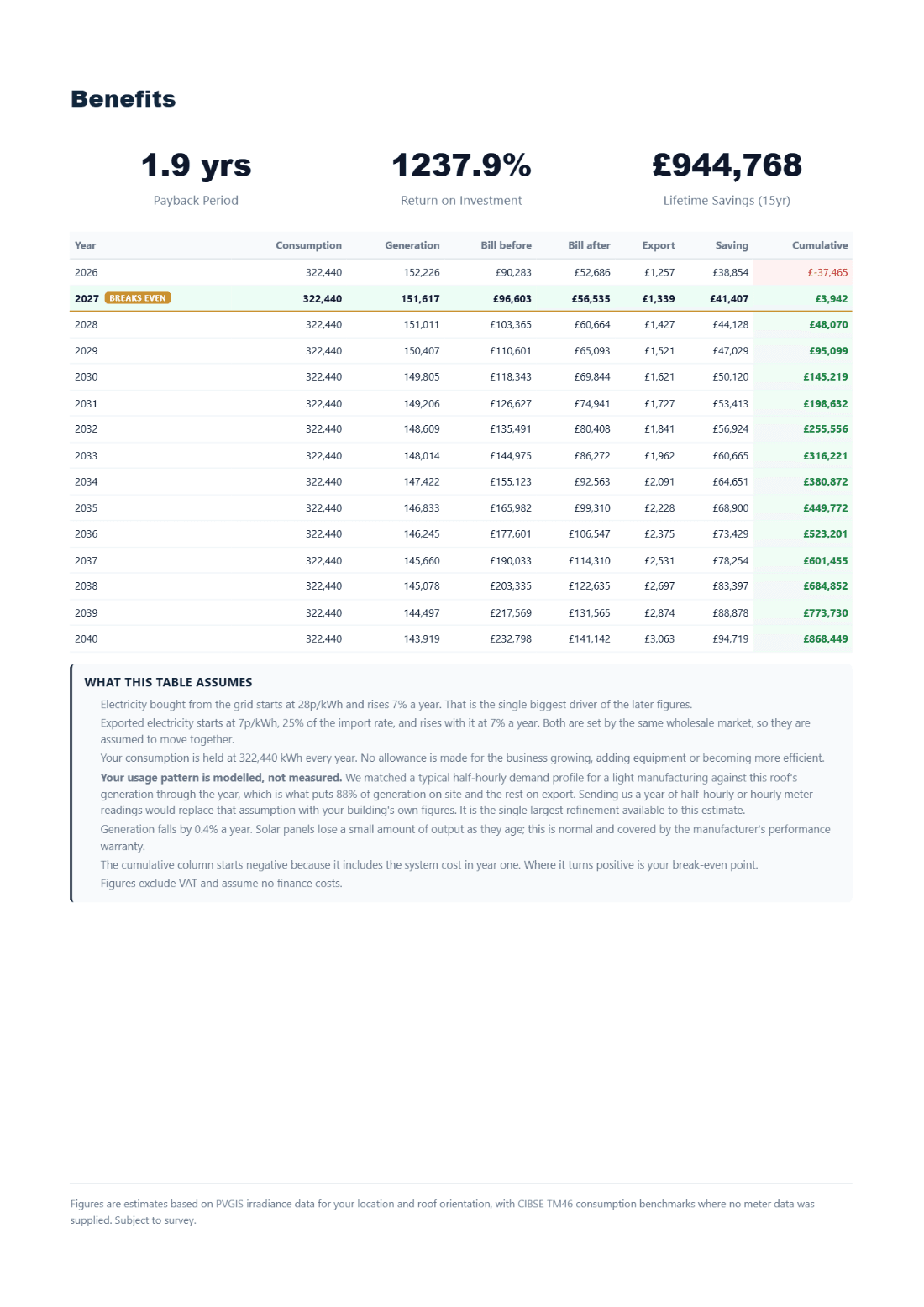
Turn the estimate into a proposal in your branding, then share it in the way that suits your customer.
- Interactive linkA branded proposal page your customer can open and explore.
- Downloadable PDFThe same proposal as a document to keep, print or forward.
- Email from your senderSend the proposal by email from your team’s branded sender.
Proposals present estimates for discussion, not a final engineering design.
See PowerPlot in action.
From a customer’s first look to a shared proposal, captured from a demonstration account.
- Capture
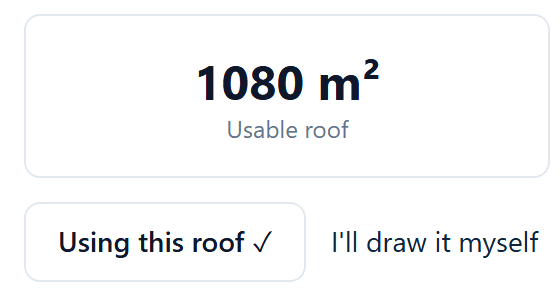
The customer finds their roof
A prospect finds their building in your widget or hosted journey and sees what its roof can hold before contacting you.
Captured from a PowerPlot demonstration account. Figures are illustrative. The steps show different example buildings. - Assess
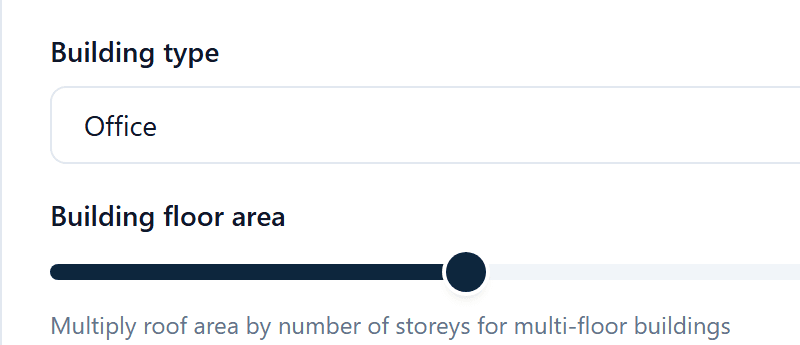
The estimate reflects the building
Building type, floor area and consumption shape the estimate, and meter data can replace the modelled usage with the building’s own.
Captured from a PowerPlot demonstration account. Figures are illustrative. The steps show different example buildings. - Tailor
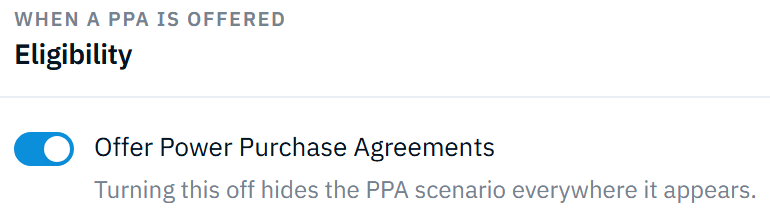
Your commercial terms apply
Your team sets the terms behind every estimate, including whether a PPA is offered and from what system size.
Captured from a PowerPlot demonstration account. Figures are illustrative. The steps show different example buildings. - Share
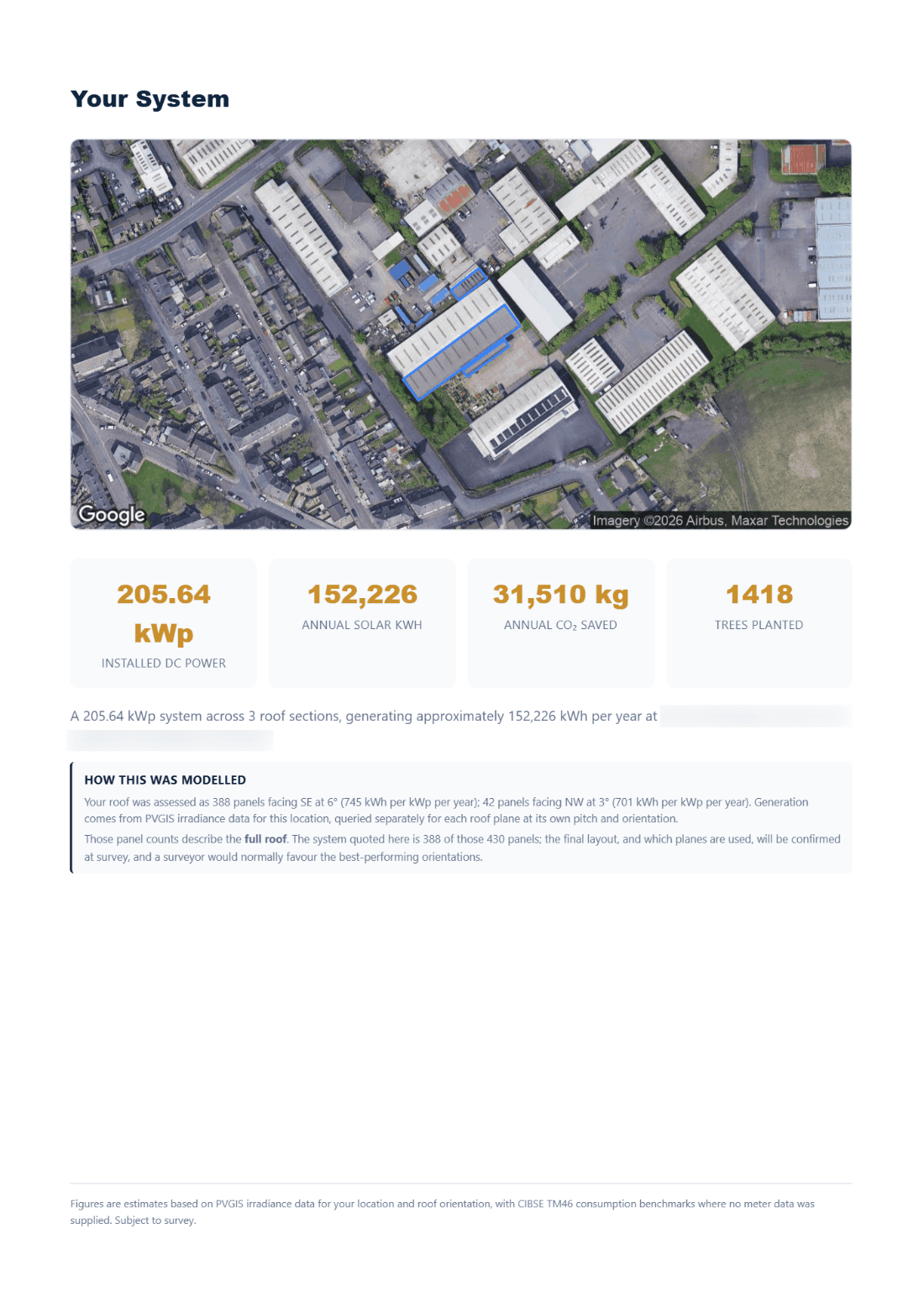
The proposal goes out in your branding
The customer receives a branded proposal as an interactive link, a PDF or an email from your sender.
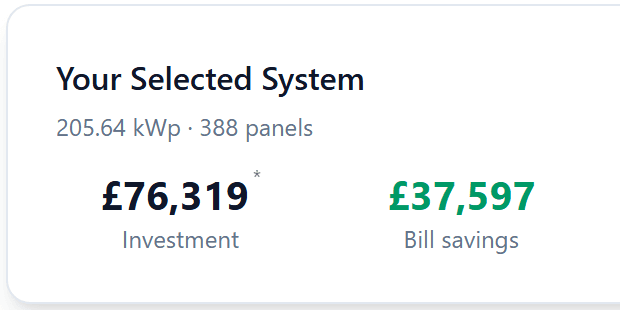
Captured from a PowerPlot demonstration account. Figures are illustrative. The steps show different example buildings.



Find your next commercial solar opportunity.
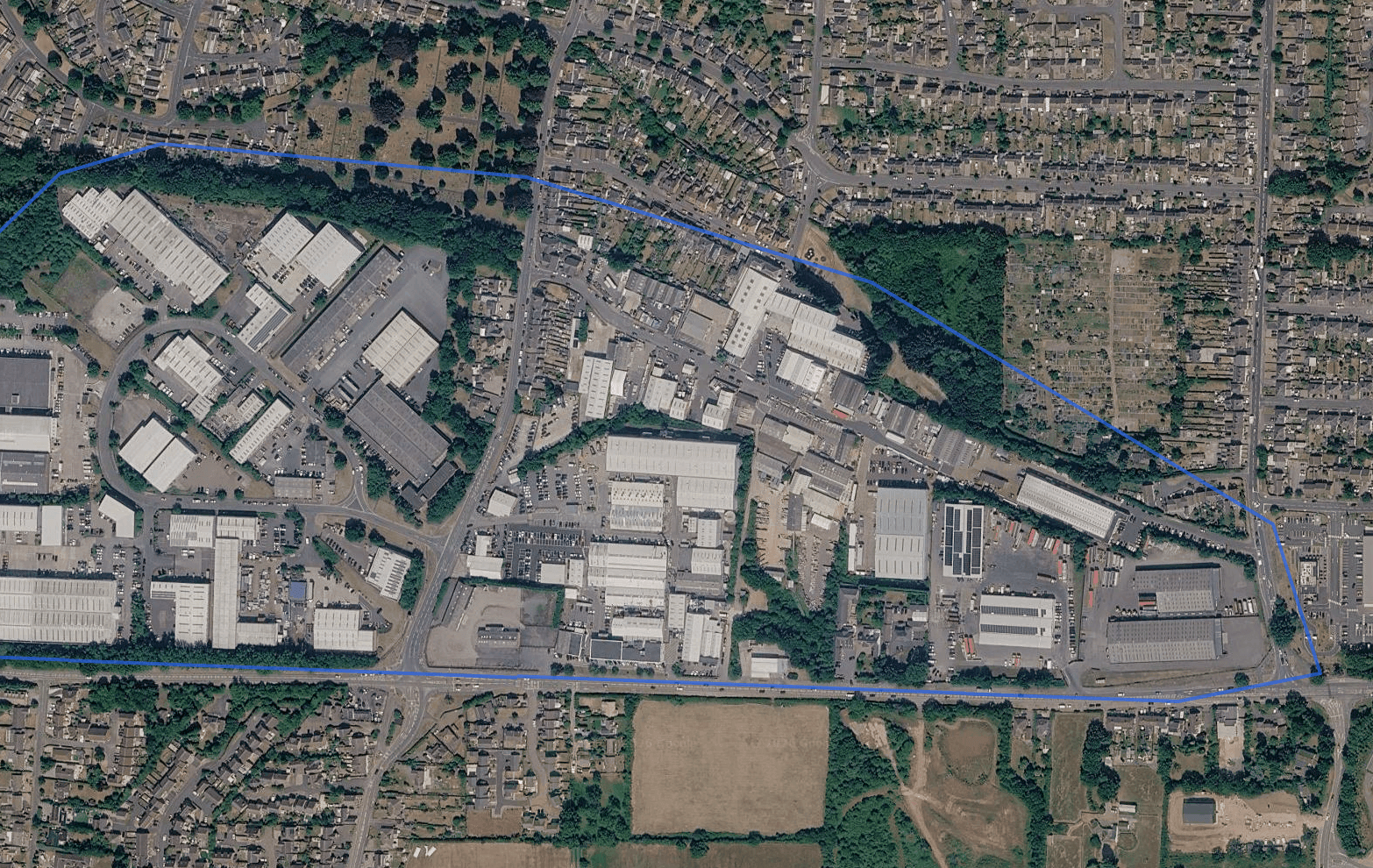
PowerPlot SCOUT helps you prospect around your existing opportunities and in new territories. Draw an area on the map and SCOUT finds the commercial buildings inside it.
Filter opportunities by building use, roof suitability and profile matches such as Rapid Payback and High-Yield Roof, and see why each analysed site matches a profile. Then find contacts for an opportunity and prepare your outreach to identified decision makers.
Built for commercial solar teams.
Whether you install commercial systems or advise the businesses buying them, PowerPlot fits the way you qualify and present solar.
Installers
Spend your time on the roofs worth pursuing, and answer the rest quickly with a proposal built on what you actually sell.
- Qualify enquiries efficiently
- Apply your own equipment and pricing choices
- Produce a useful initial proposal
Energy consultants
Give clients a clear, usage-informed view of the opportunity, and the funding choices in front of them.
- Assess opportunities
- Refine consumption assumptions with real usage data
- Compare purchase and PPA options
- Share clear, client-facing outputs
Ready to qualify commercial roofs and move projects forward?
See how PowerPlot could fit your enquiry and prospecting workflow.
We read your request, arrange a time that suits you and show you PowerPlot with your enquiries, products and prospecting in mind.