
Find your next commercial solar opportunity.
PowerPlot SCOUT helps you prospect. Look for suitable commercial roofs around your current opportunities or across new territories, shortlist the strongest and prepare a reviewed outreach to identified decision makers.
From an area on the map to outreach you are ready to make.
SCOUT follows the way prospecting already works, in four stages.
Stage 1: Choose an area
Draw an area on the map around an existing site or in new territory. If you already have sites in mind, import them as a list instead.
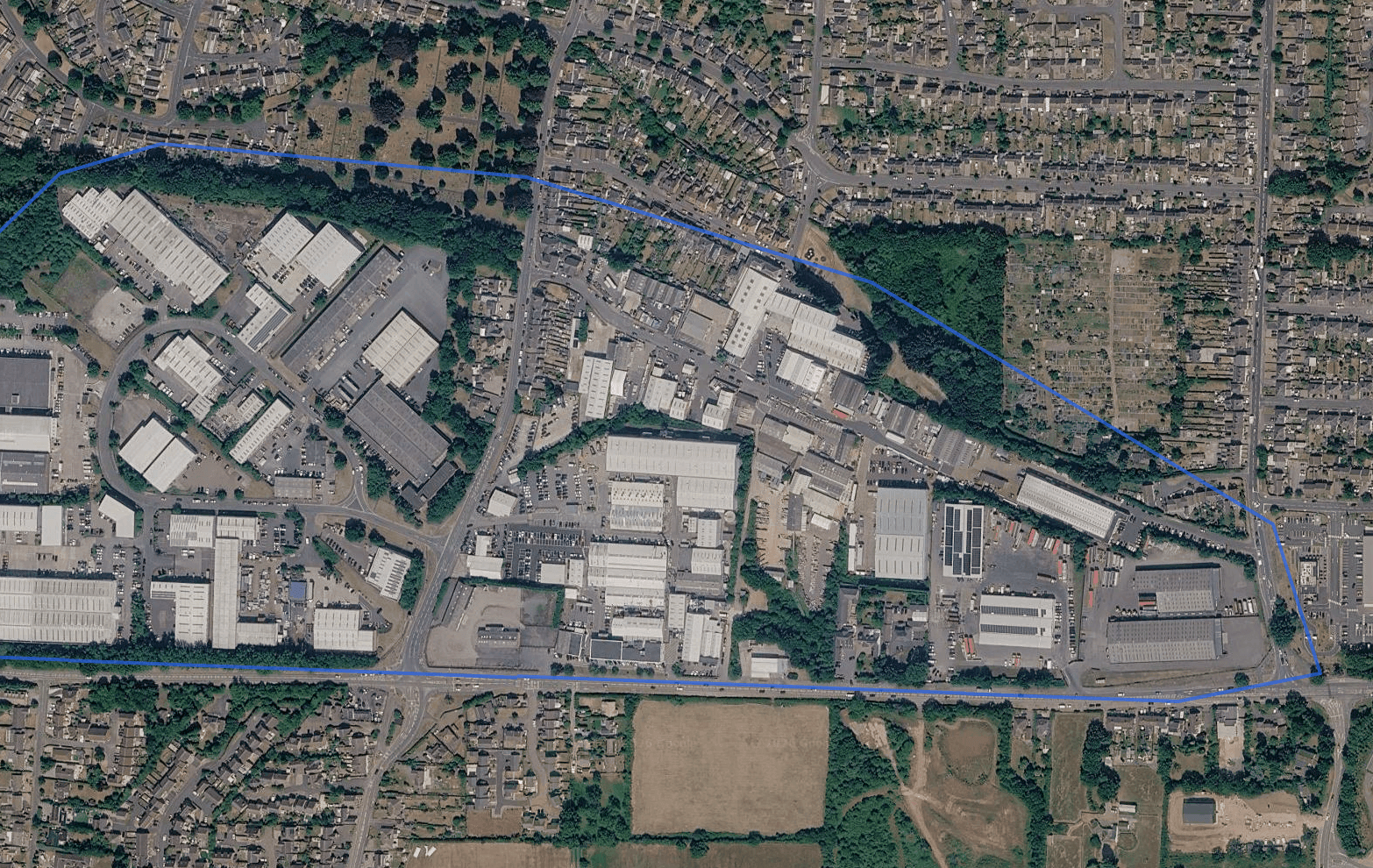
Illustrative animation over imagery captured from a PowerPlot demonstration account. Imagery © Google, Airbus, Maxar Technologies. Stage 2: Review the buildings found
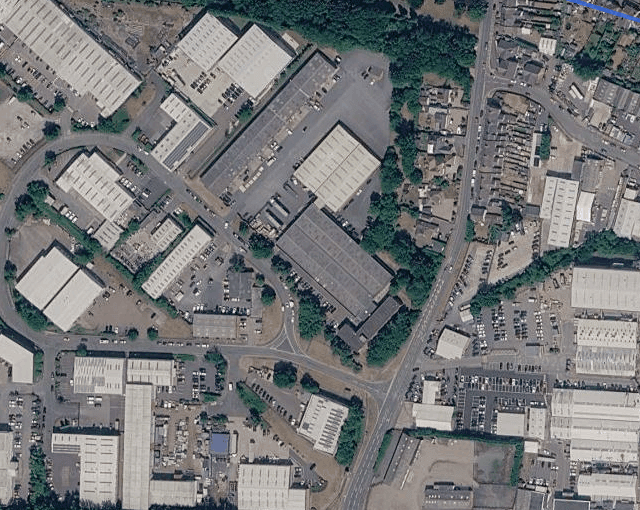
SCOUT finds the commercial buildings in your area. Select one to see its property type, floor area and EPC rating, then confirm the ones you want to assess as opportunities.
Illustrative details
- Property type
- Warehouse and storage
- Floor area
- 2,480 m²
- EPC rating
- C
Confirmed
Illustrative animation over imagery captured from a PowerPlot demonstration account. Imagery © Google, Airbus, Maxar Technologies. Stage 3: Filter, shortlist and review
Filter opportunities by their columns, including building use, roof suitability and profile matches such as Rapid Payback and High-Yield Roof. Each analysed opportunity shows which profiles it matches.
Open an opportunity to review it in detail. Roof orientation is shown for each one, so you can see how a roof faces before you make contact.
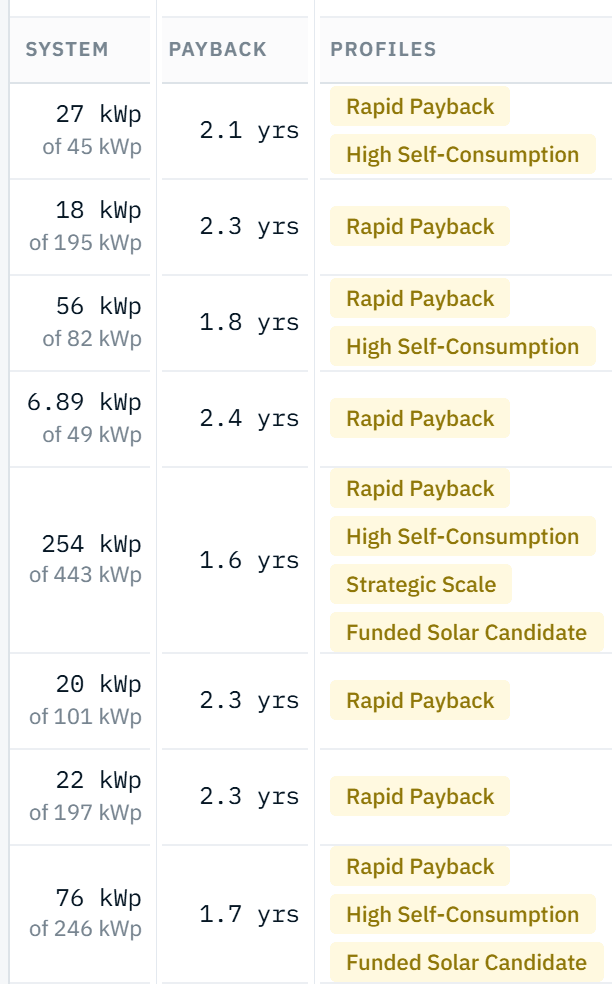
Captured from a PowerPlot demonstration account. Figures are illustrative. Profile matches for an example opportunity
Each analysed opportunity is checked against the profiles. SCOUT shows which profiles each opportunity matches.
Matched
- Rapid Payback
- High Self-Consumption
- Strategic Scale
- Funded Solar Candidate
Not matched
- High-Yield Roof
- SME Quick-Win
Illustrative example for a single opportunity. Stage 4: Find contacts and prepare outreach
SCOUT finds contacts for an opportunity, with work emails, phone numbers and LinkedIn profiles where found. Then prepare your outreach for that particular opportunity via email, phone or LinkedIn. An outreach email is reviewed and approved before it is sent.
Contacts
Example Manufacturing Ltd
NameWork emailPhoneLinkedInJohn SmithFacilities Managerjohn.smith@example.co.uk01632 960 418ProfileJane DoeOperations Directorjane.doe@example.co.uk01632 960 527ProfileSam PatelFinance Directorsam.patel@example.co.uk01632 960 093None found- OpportunityA shortlisted site
- OrganisationExample Manufacturing Ltd
- ContactJohn Smith, Facilities Manager
- Work emailReviewed outreach email: you approve, then send
- Phone01632 960 418, for a call
- LinkedIn profileLinked, to reach out yourself
- ContactJohn Smith, Facilities Manager
- OrganisationExample Manufacturing Ltd
Illustrative. Names and details are fictional. - OpportunityA shortlisted site

Assessed the same way as your enquiries.
Each opportunity SCOUT analyses is estimated with the same approach PowerPlot uses for customer enquiries: roof and solar generation data, combined with industry-specific usage profiles.
So a building you found yourself can be judged on the same terms as one that came to you. Like every PowerPlot figure, it is an estimate: a starting point for a conversation, not a site survey.
Ready to find your next opportunities?
See how SCOUT could fit the way you prospect, around your existing sites and in new territories.